


With personalized dashboards and reports in Microsoft Power BI, you lay the foundation for data-driven decision-making. This enables you to translate complex data into clear and concrete insights that can be directly applied to your strategy and actions.

What is Power BI?
Microsoft Power BI is a Business Intelligence platform that allows you to connect, analyze, and visualize data from various sources. This enables you to turn large amounts of data into clear dashboards and reports that provide insight into what is happening within your organization.
Bringing information together in one place creates a complete and up-to-date picture. This allows you to respond more quickly to changes, make better-informed decisions, and easily share insights with colleagues.
Power BI makes data accessible to various users within the organization. From daily reports to in-depth analyses, everyone works from the same information and gains access to the insights relevant to their work.
The possibilities of Power BI
Power BI offers everything you need to connect, analyze, visualize, and share data. Users can create personalized dashboards and reports themselves, while you maintain control over access to and security of your data.

All your data in one overview
Bring data from various sources and systems together in one central location. This way, you always have a complete and up-to-date picture of what is happening within your organization.

Work together with colleagues
Securely share dashboards and reports with colleagues and make insights available where and when they are needed. This way, everyone works with the same up-to-date information.

Make complex data understandable for everyone
Convert large amounts of data into clear visualizations and interactive dashboards. This makes information easy to understand and allows employees to work with it themselves.

Make better decisions based on data
Thanks to the clear dashboards and visualizations, you discover trends, developments, and deviations faster, and support decisions with current insights instead of assumptions.
Part of Microsoft Power Platform
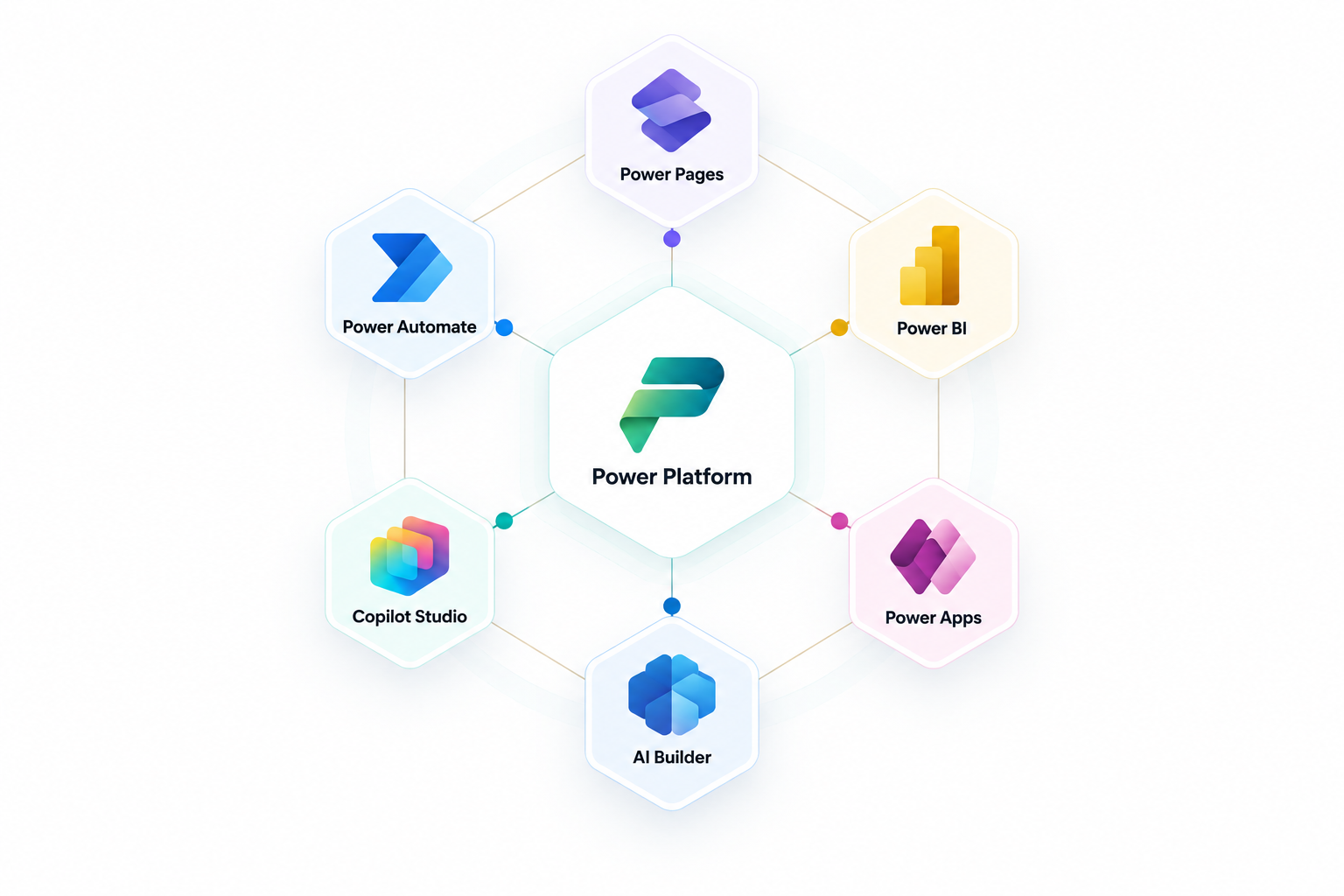
Power BI works seamlessly with other solutions within the Microsoft Power Platform. For example, you combine insights from Power BI with automated processes via Power Automate and easily develop custom apps with Power Apps.
Power BI licenses
Power BI offers a variety of licensing options designed to help businesses get the most out of their data. From small teams to large enterprises, there’s a license to fit every organizational need. Licenses provide access to powerful data visualization, collaboration, and advanced analytics capabilities. Depending on the size of your organization and how much you use Power BI, you can choose from several licensing models, including Pro, Premium, and Embedded options.


The Power BI ecosystem
Power BI consists of various applications for developing, sharing, and using reports. Power BI Desktop and the Power BI Service form the basis, supplemented by applications for specific ways of reporting and using.
Power BI Desktop
Build data models, interactive reports, and visualizations based on various data sources. Design clear dashboards that translate complex data into insights that are immediately usable within your organization.

Power BI Services
Publish reports in the cloud, share insights within your organization, and collaborate from one central environment. Manage dashboards and reports centrally and ensure users always have access to up-to-date information.
Additional Power BI applications
Power BI Mobile
View and use dashboards and reports on the go via smartphone or tablet. This way, you have access to the most important insights anytime, anywhere.
Power BI Report Builder
Create detailed reports with a fixed format, for example for financial overviews, invoices, and other documents.
Power BI Report Server
Publish and manage Power BI reports on-premises, for organizations that want to keep reports within their own infrastructure.
Try Power BI for free
With this free license, you can already do quite a lot, but it has one major drawback: you cannot share your reports and dashboards with other users.

Contact
Want to know more about Power BI?
Do you have a question about Power BI, or would you like to know what Power BI can do for your organization? Leave your details and your question. Our specialists will be happy to contact you.
This form is protected by reCAPTCHA, the
privacy policy and the
terms of service from Google apply.